Holly with
JSPA
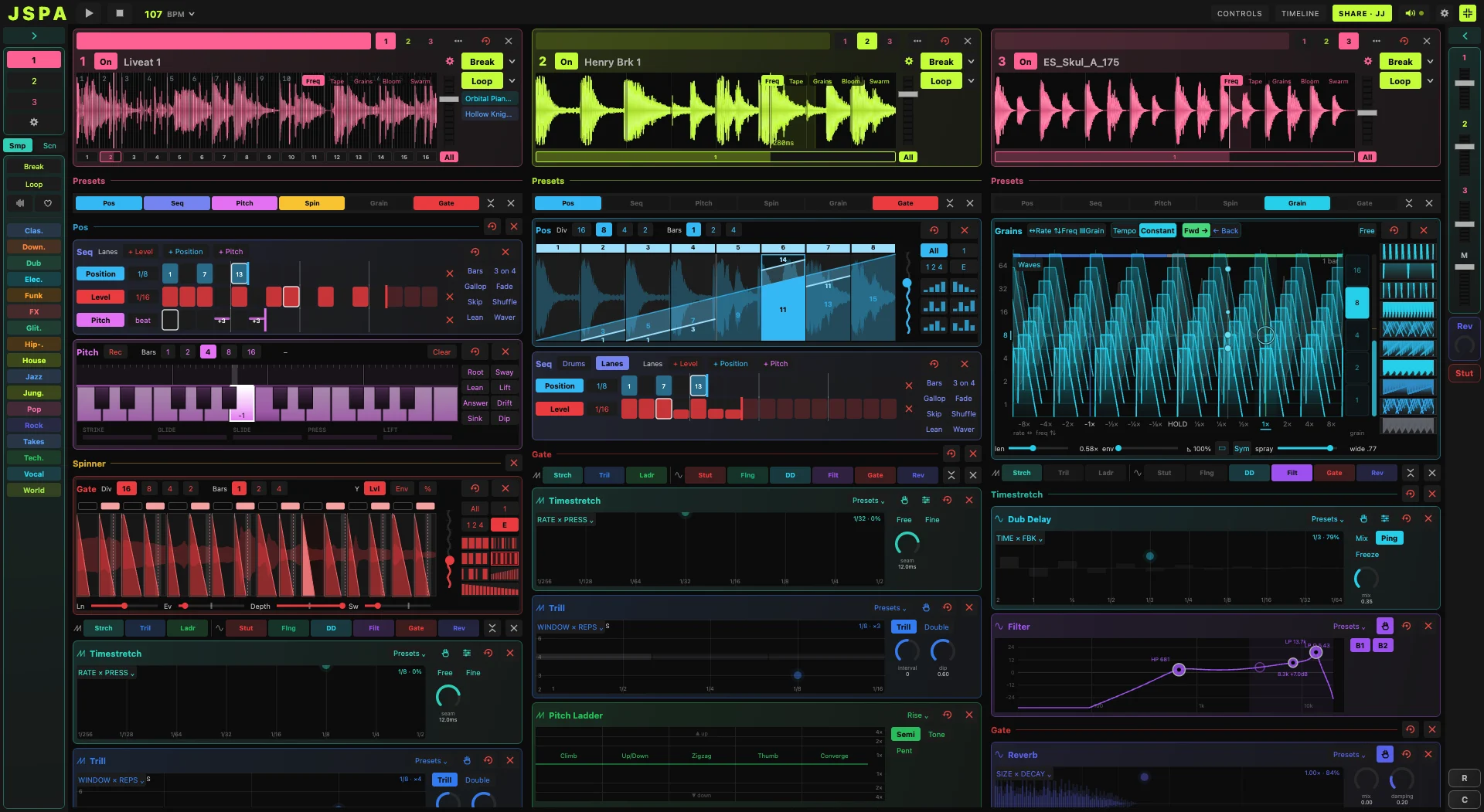
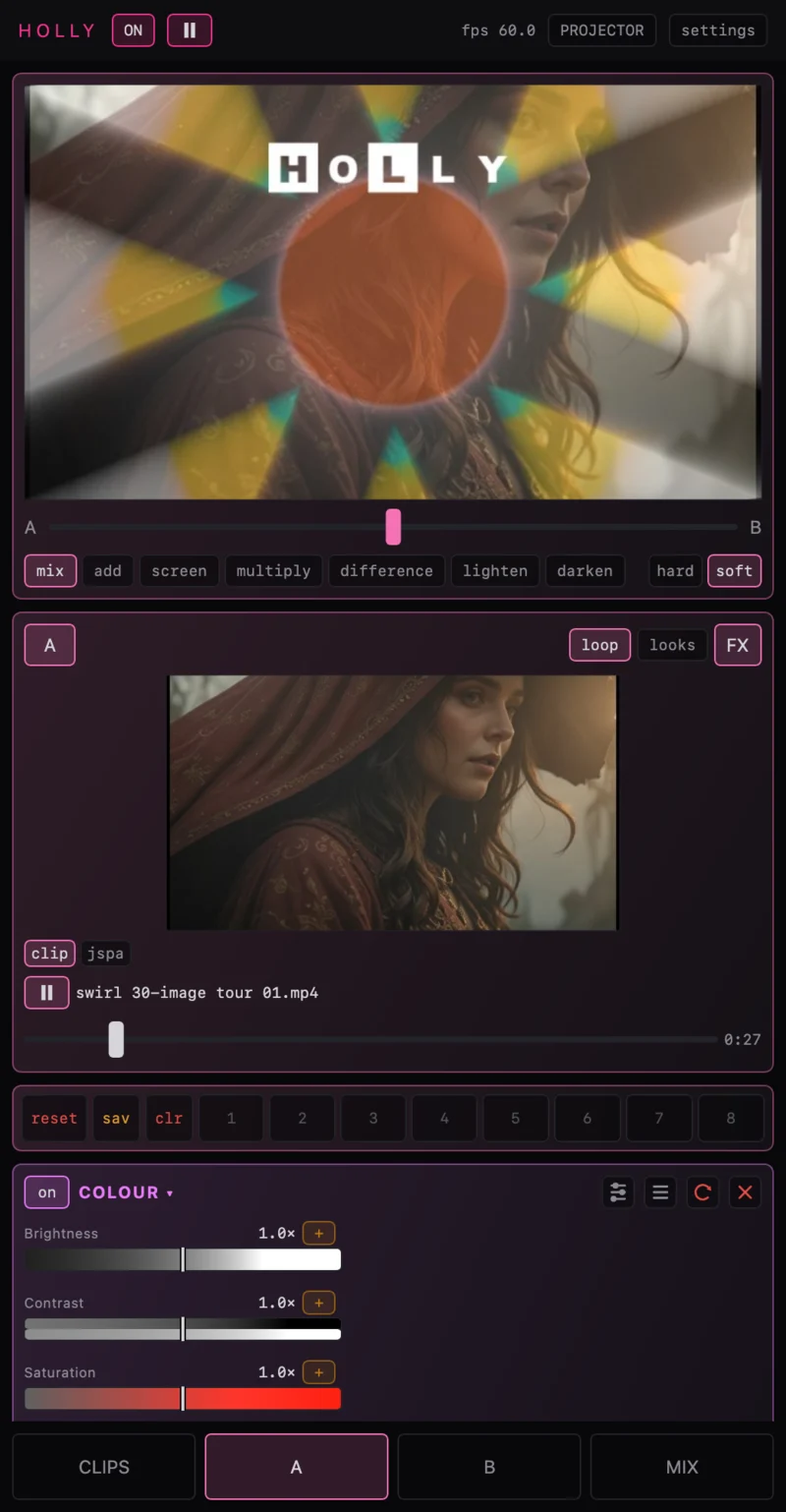
JSPA plays the sound; Holly plays the picture. A granular performance app for breaks and loops, on the same machine or across the room, driving every dial Holly has.
Five ways they play together
Holly hears the beat
Holly connects out to JSPA's engine and is sent its tempo, the bar, each channel's level and onsets. They arrive as lanes on Holly's bus, ready to route to any dial.
A channel follows a channel
Point a Holly channel at a JSPA channel. Its level gates the picture, so a chopped break chops the clip, and its playhead holds the clip in step: the clip keeps its own bars and follows JSPA's pattern through them.
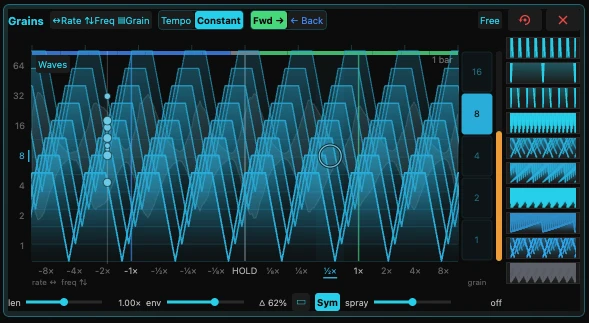
JSPA's grains, on Holly's screen
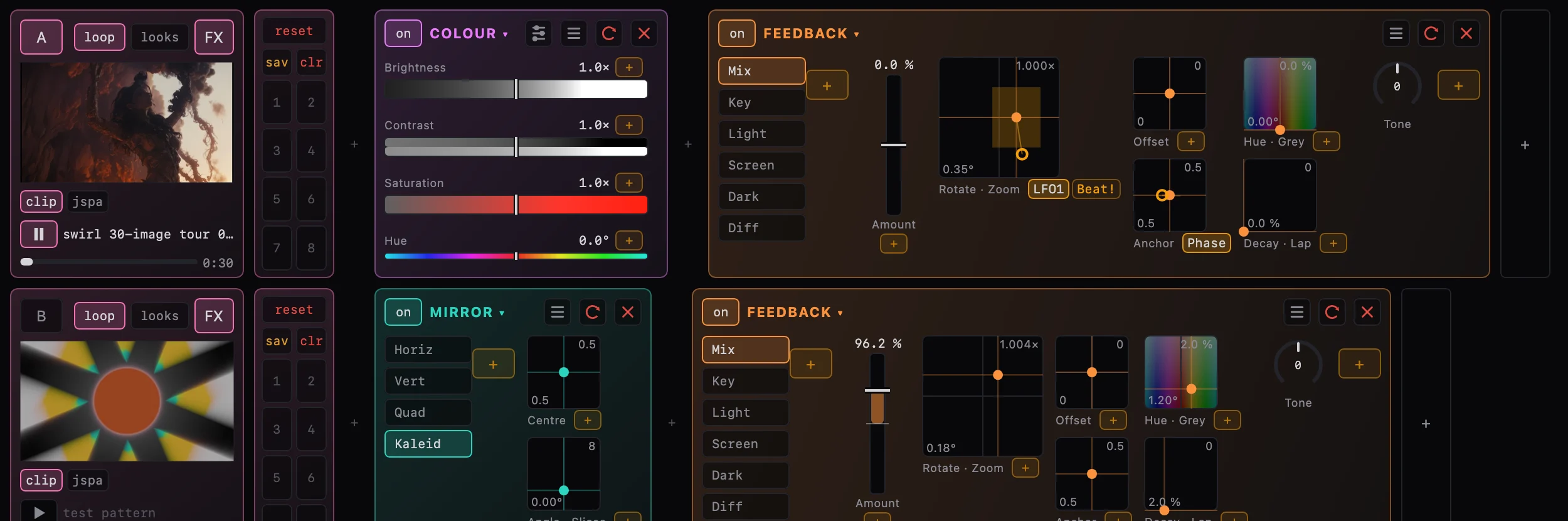
JSPA can draw one channel's grains a second time, off screen, and send them over the network. Holly shows them as a live source on a channel, through its effects: about 20 to 30 ms behind, measured between two Macs.
JSPA's effects become Holly's
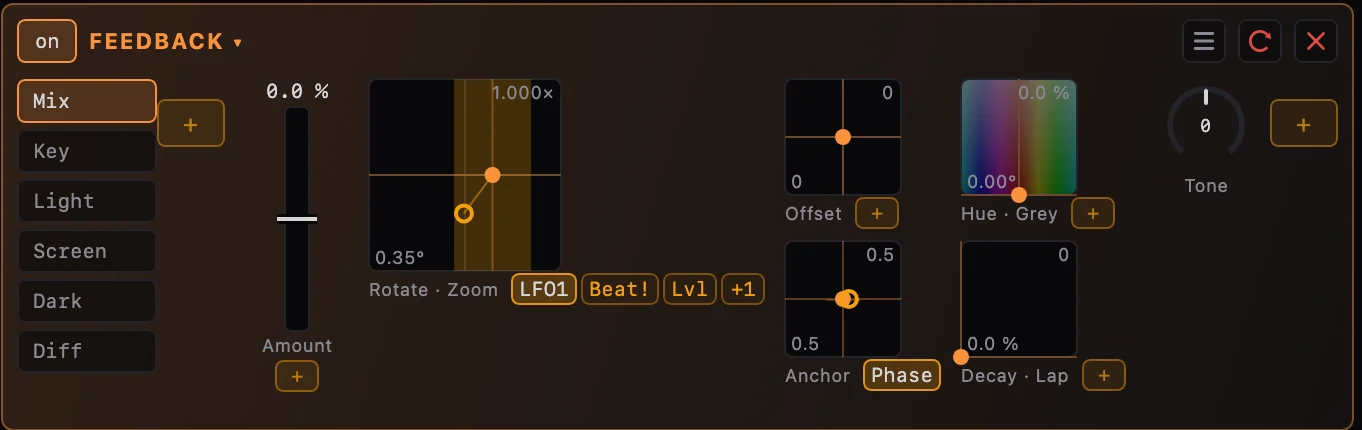
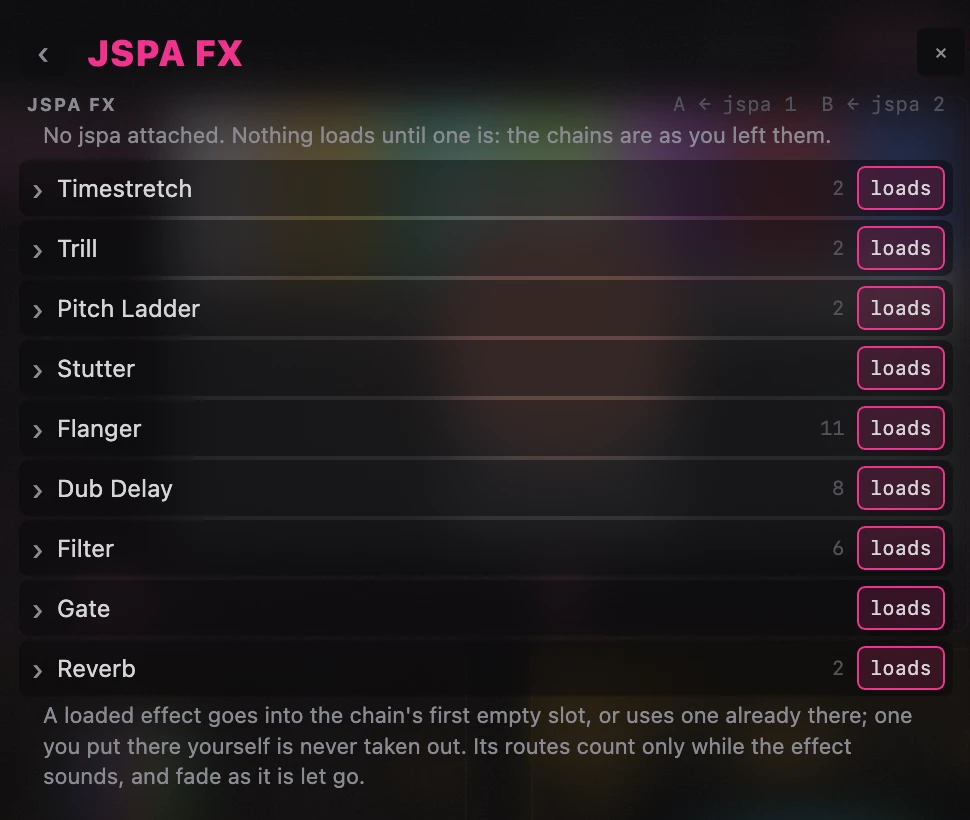
A stutter in JSPA can stutter the picture, a dub delay can echo it. Holly reads every JSPA effect as it sounds, not merely switched on, and a map says which of its dials each one moves. Built, and being tried on the rig.
A clip for every sample
JSPA knows what it heard in each sample. Holly reads that, compares it with its own clips, and loads one that suits, with a little chance so it is not the same one every time.

Setting it up
- Run JSPA and Holly's desktop app, on one machine or two on the same network.
- In Holly's Settings, Audio, Follow an audio engine: Whichever answers finds JSPA on this machine, then one hosting on the network. Each JSPA hosting nearby is listed by name, and any other is followed by its address.
- For JSPA's picture: in JSPA, Settings, Video out, this machine or this network. Then switch a Holly channel's source from clip to jspa.